
Coming Soon

Optimize Your Cutting Plans

Professional 2D cutting plan optimizer for carpenters. Minimize waste and maximize efficiency with advanced algorithms. Sign up for early access!

Be the first to know when we launch. No spam, unsubscribe anytime.

Save 20-35% on material costs with advanced algorithms

Export cutting plans to PDF, PNG, or ASCII format

Cross-platform: Windows, macOS, Linux, Android, iOS

Free forever for personal use
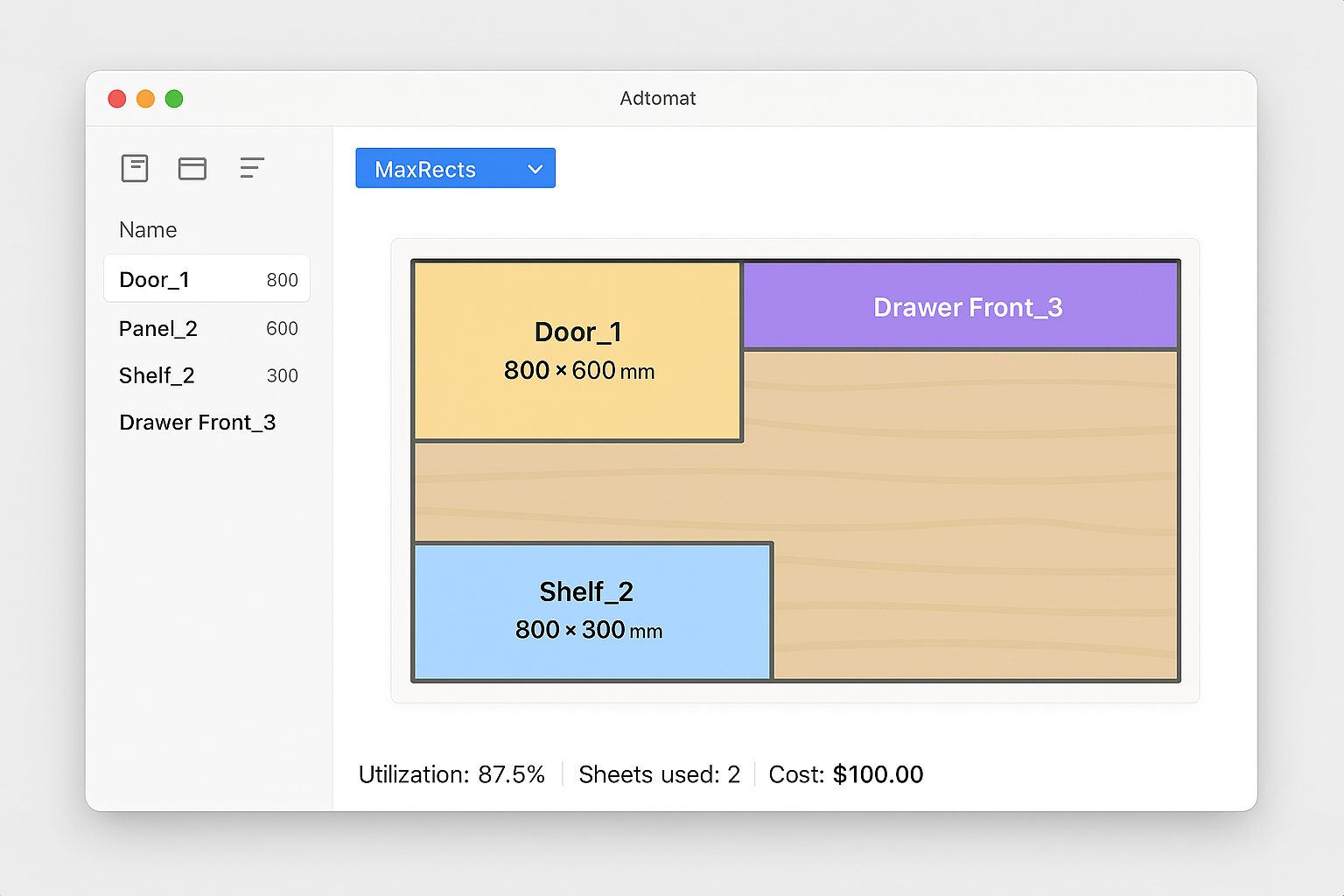
Optador App Preview
Coming Soon
85-95%
Material Utilization
12+
Algorithms
8
Export Formats
Free
Personal Use

Powerful Features for Professional Woodworkers

Everything you need to optimize your cutting plans

Advanced Algorithms

12+ optimization algorithms: MaxRects, Skyline, Guillotine, BottomLeftFill, Genetic Algorithm, Memetic, PSO, Simulated Annealing, ILS, ACO, MCTS, OR-Tools CP-SAT achieve 85-99% material utilization

Multi-Platform

Desktop app for Windows, macOS, and Linux. Mobile apps for Android and iOS

Export Anywhere

Export cutting plans to PDF, PNG, JPEG, or ASCII format with detailed measurements and cut lines

QR Code Labels

Generate printable labels with QR codes for production tracking and piece identification

Grain Direction

Respect wood grain direction constraints for plywood and veneer materials

Cost Optimization

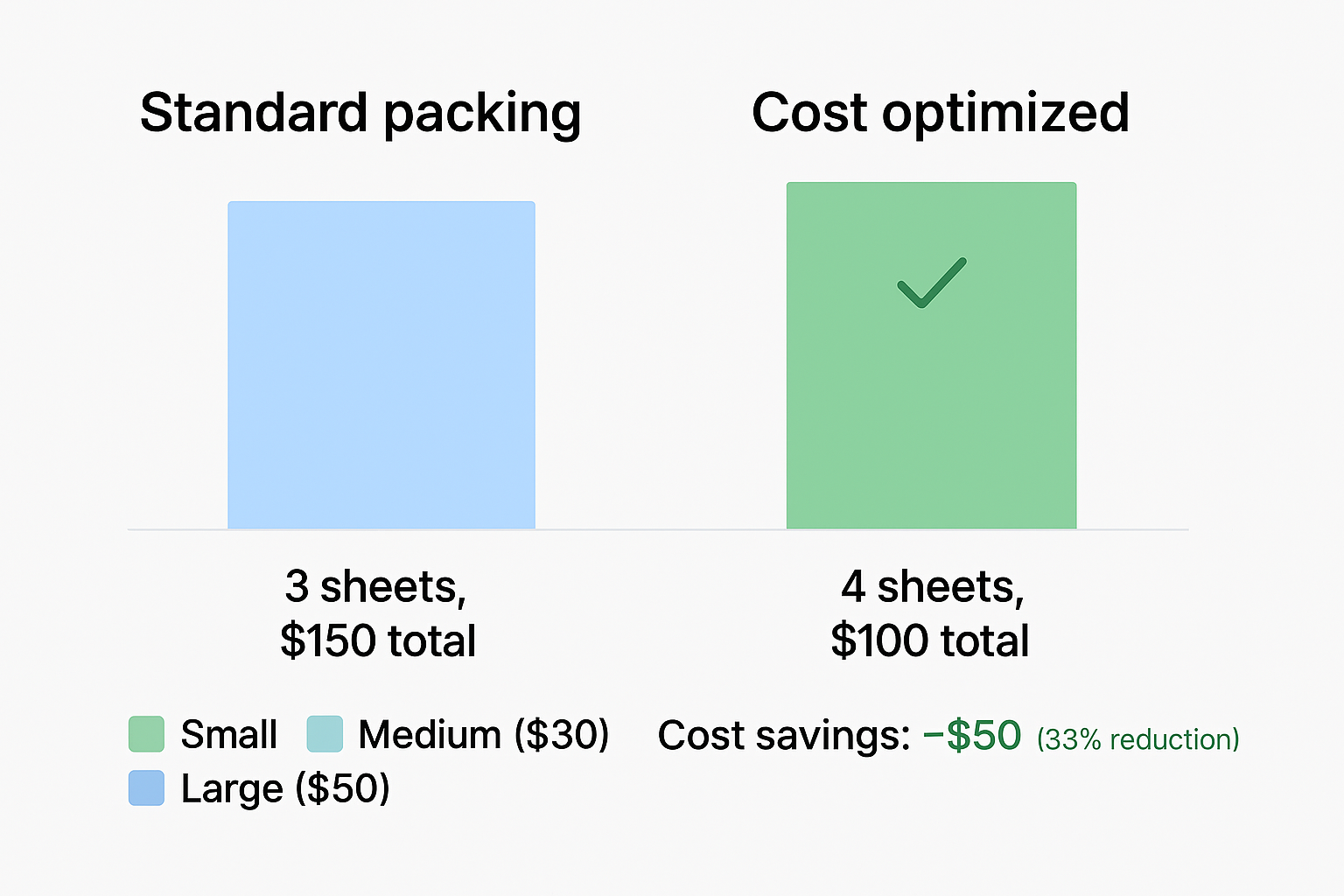
Minimize total material cost with intelligent sheet selection and scrap material reuse

Batch Processing

Compare multiple solutions automatically and choose the best for your needs

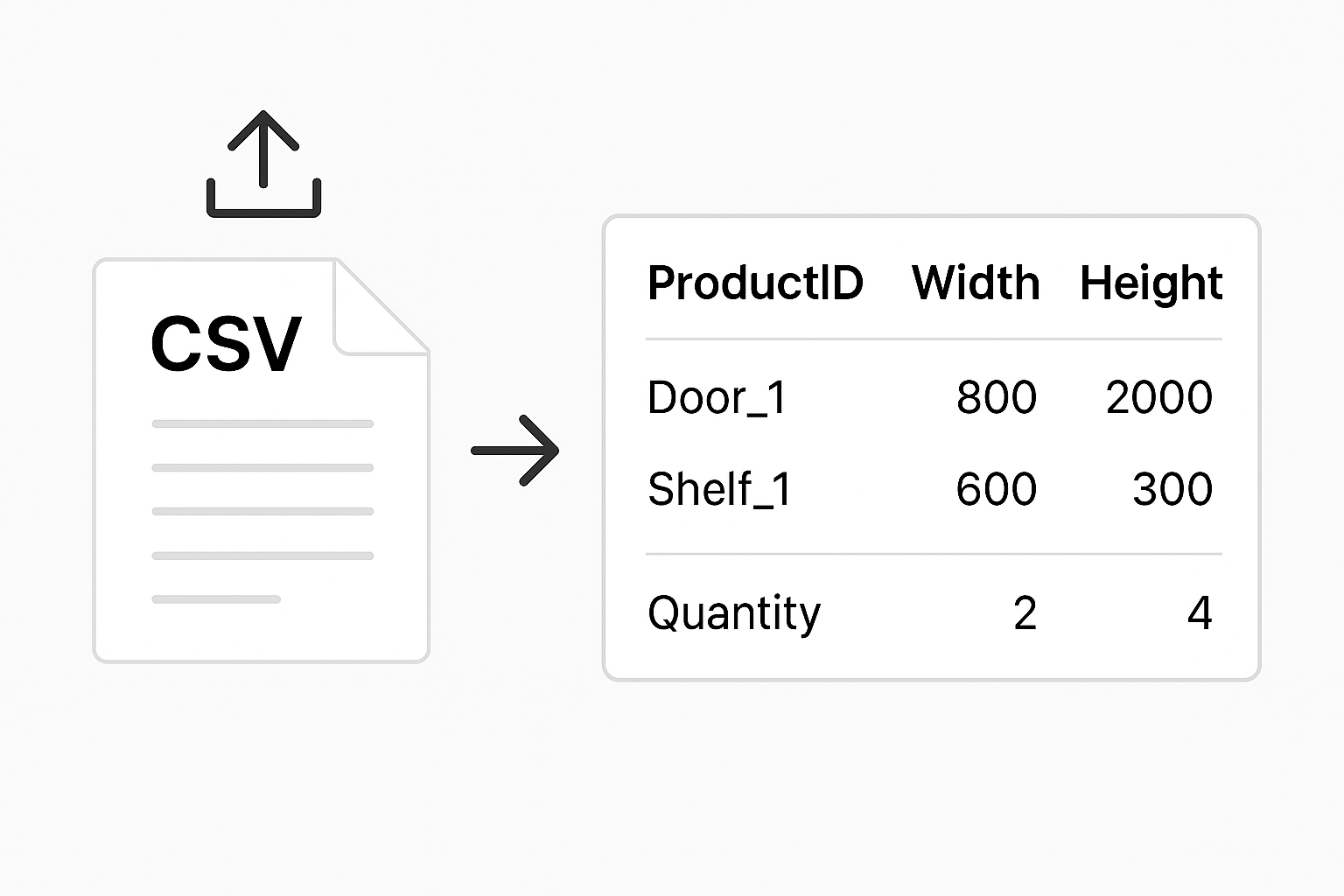
CSV Import

Import product lists from Excel/CSV files for quick project setup

Simple Process

How It Works

Get optimized cutting plans in 5 simple steps. No complex setup required.

01

Import Your Products

Add your products manually or import from Excel/CSV. Define dimensions, quantities, grain direction, and rotation preferences.
Import Your Products
Step 01
02

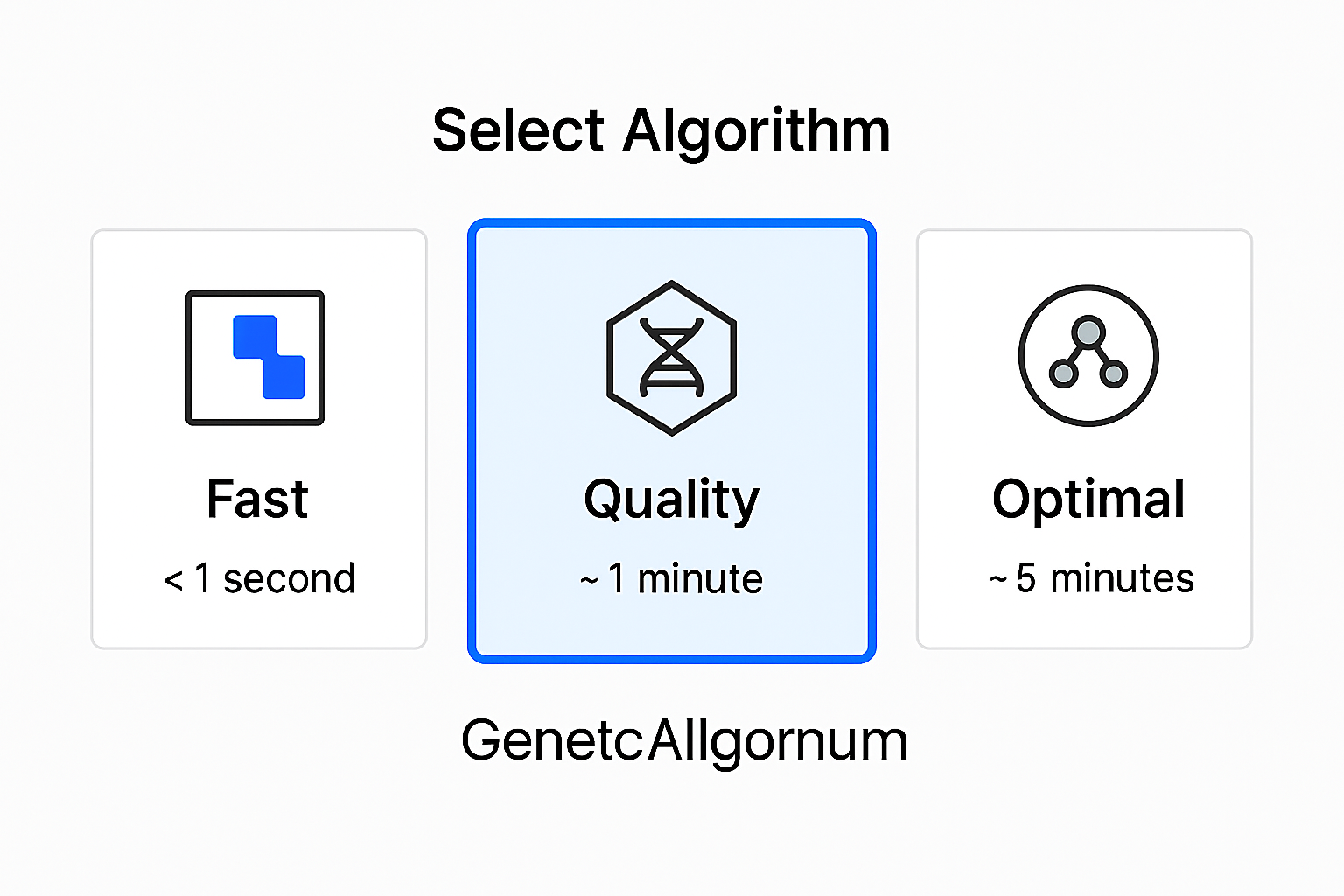
Choose Algorithm

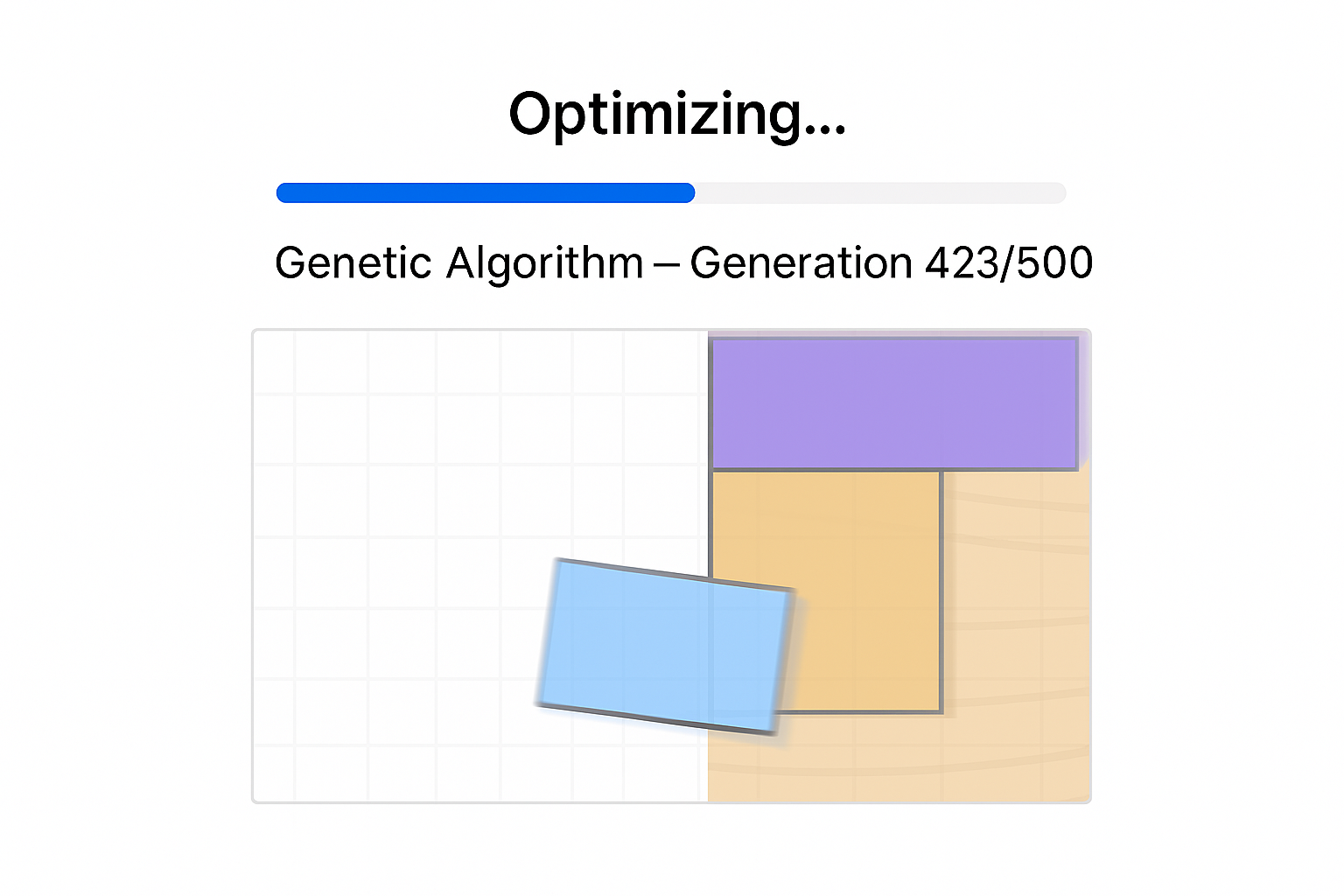
Select from 10+ optimization algorithms. MaxRects for speed, Memetic for quality, or use automatic selection to find the best one.
Choose Algorithm
Step 02
03

Export Results

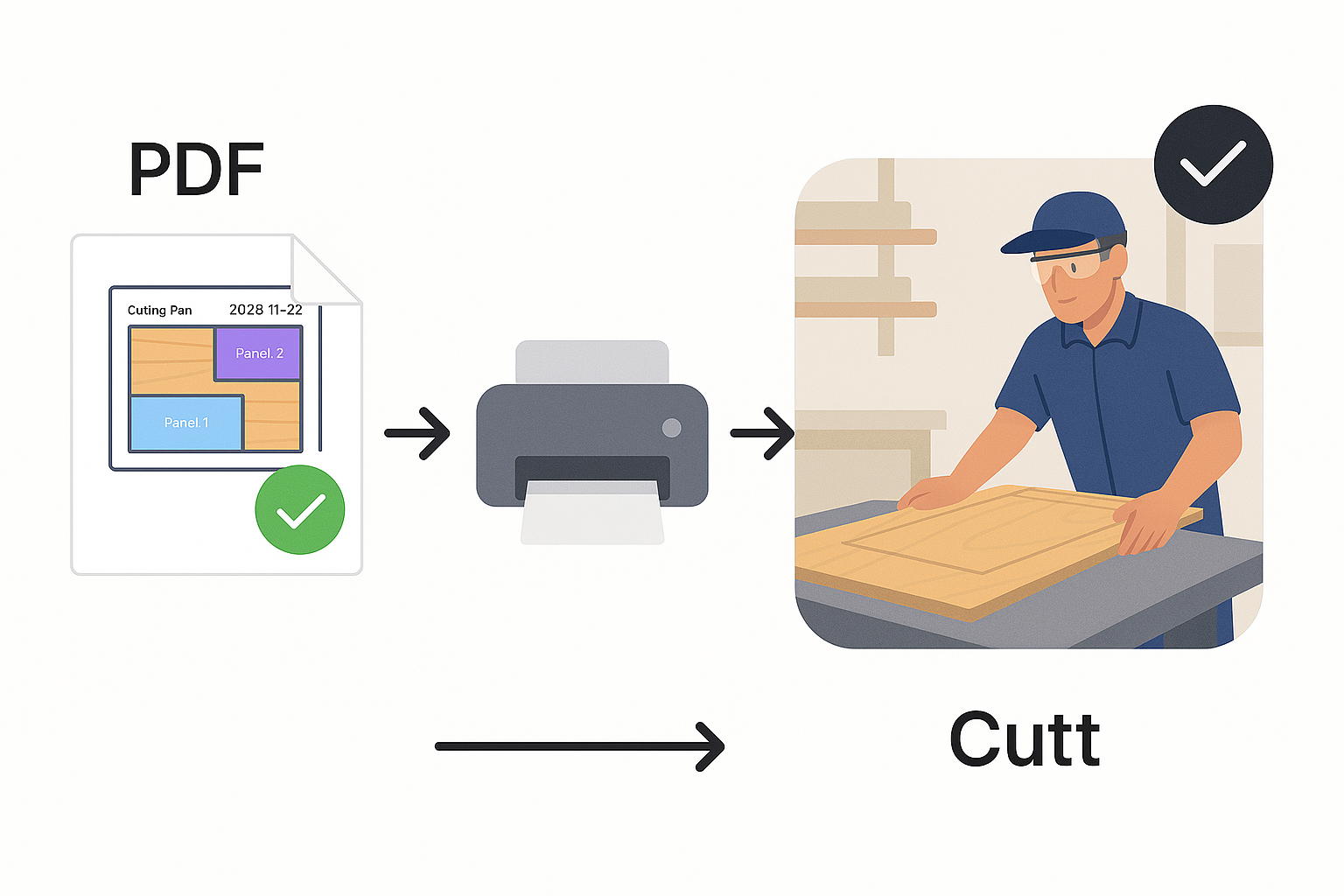
Export your optimized cutting plans to PDF, PNG, or printable labels with QR codes for production tracking.
Export Results
Step 03
04

Cut & Save

Follow the optimized layout and save up to 35% on material costs. Track pieces with QR codes during production.
Cut & Save
Step 04
05

Reuse Scraps

Automatically track leftover material from each project. Use saved scraps in future cutting plans to eliminate waste and reduce costs even further.
Reuse Scraps
Step 05